Security
Governance first.
Built into every layer.
Access, monitoring, audit and data isolation — the controls below are verified against the product source.
01 / 04
Access
- Two-factor sign-in
- A one-time code by email on sign-in, switched on per account.
- Password storage
- Passwords stored as bcrypt hashes; an unknown address takes as long to refuse as a wrong password.
- Sessions
- Access tokens expire; each person can see their sessions and sign out any of them.
- Idle lock
- Under a policy you set, a talent without an active task for too long is locked out until they take one.
02 / 04
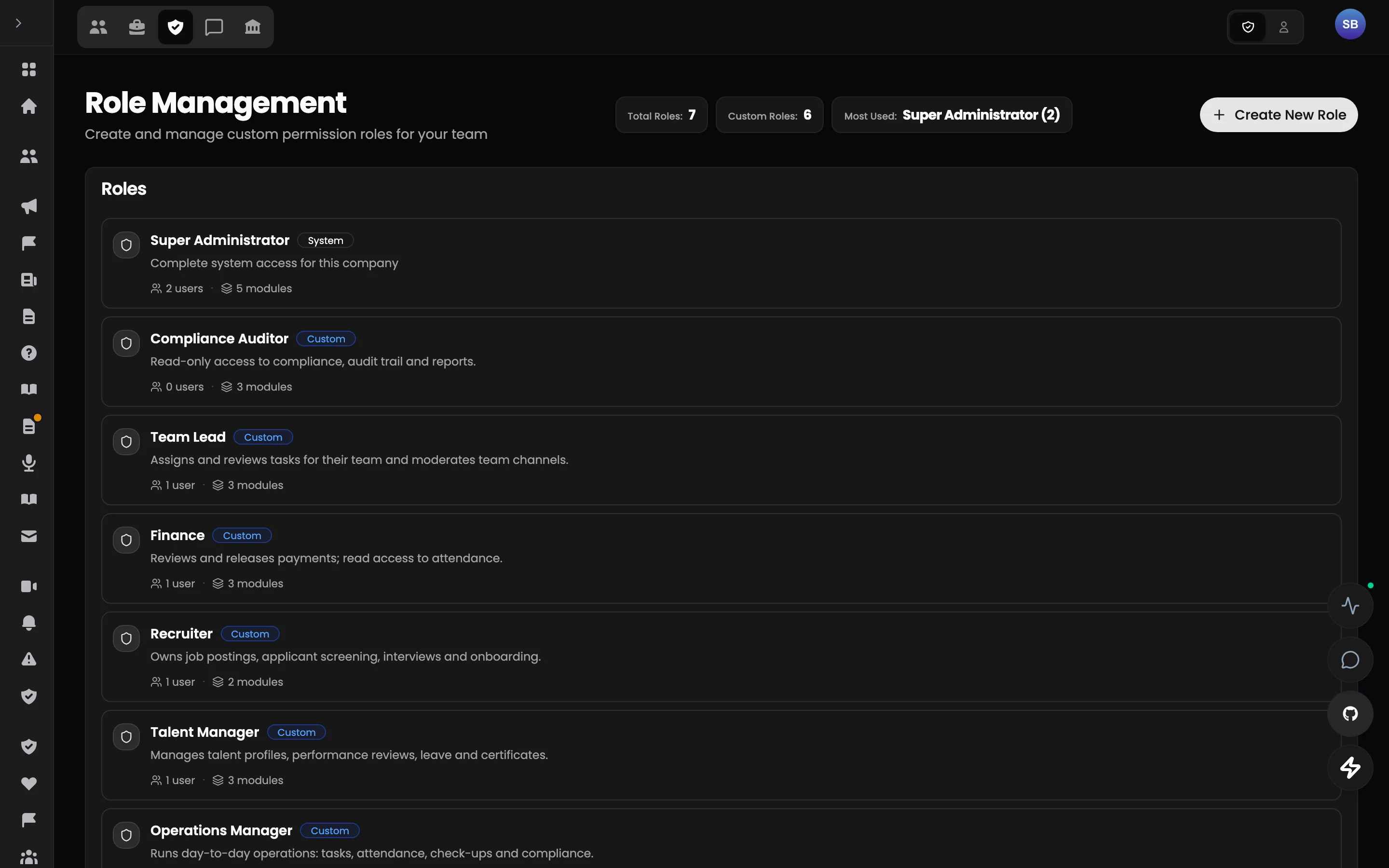
Permissions
- Roles as data
- Module → feature → action, stored per role and edited in the admin portal.
- Portal access control
- Lock or open a talent's portal by hand, or automatically after a set number of days without clocking in.
- Masked fields
- Phone numbers are masked; seeing them needs the permission.
- Membership scoping
- Assignment groups, project access, skill level and room membership decide what a person sees.
03 / 04
Audit
- Audit trail
- Admin actions — roles, permissions, admins, sensitive-field views, shifts, idle locks — with actor, target and time; kept for 60 days.
- Policy acceptance
- Terms accepted per person with a timestamp and version; a new version asks again.
- Corrections on the record
- Document corrections are requests with the current and the requested value; corrected attendance needs a reason and is marked as manual.
- AI chat on the record
- Every session with the AI assistant is readable by admins.
04 / 04
Platform
- Tenant isolation
- Every record carries its organization; queries are scoped at the data layer.
- API hygiene
- Rate limits on sign-in, one-time codes, password resets, public applications and AI chat; operators stripped from every query string; every request tracked.
- System health
- Service status and checks visible to admins and talents.
- Deployment status
- Recent deployments per environment; a failed one notifies admins.
What we do not claim
Kadrana does not claim certifications it does not hold. If your organization needs a security questionnaire answered, ask for it in the pilot conversation.
Roles & access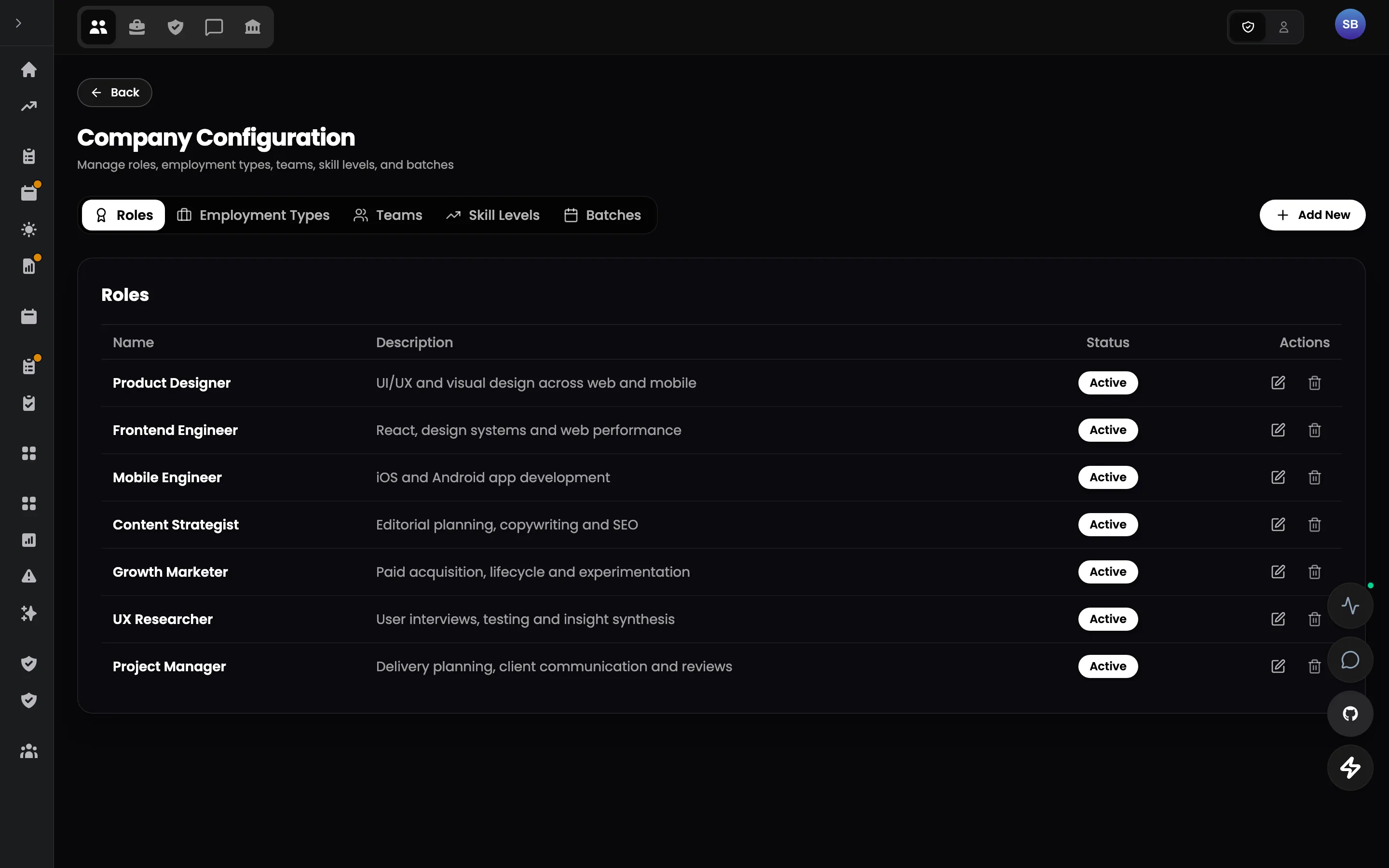
The pilot
Don't replace your stack on day one.
Start with the one workflow where fragmentation costs the most. Run Kadrana alongside your current tools, measure the result, and expand only if it works.